Voice Over - Automatic Robot Voice Generator
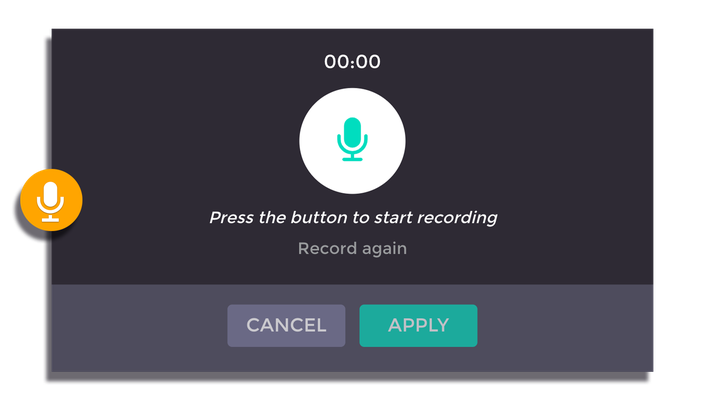
Allow your text to speak! Voice out your content with the text-to-speech technology. Dubbed your video content with our automatic narrator voices. 100% automation process that synthesizes your text into speech. No voice recording required! Make your news report video more alive! Narrator tones are available in five languages (English, Chinese, Korean, Japanese, and Vietnamese) and both genders to
How to add Voice Over Generator
How to:
1. Provide the text
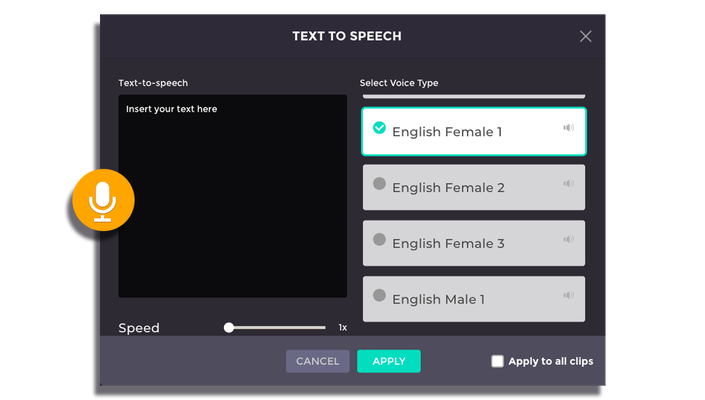
Insert the text or automatically turn your subtitles into a speech on the selected clip.
2. Select the voice type
Select the narrator’s voice based on the language of your text. Make sure to fine-tune the speech by selecting the desired narrator’s tone and gender. You may also want to adjust the speed of the speech to fit your clip.
3. Save the changes
Preview your clip online before proceeding or applying the result. You may continue editing the video with other additional features. Click ‘Produce Video’ if you want to download the edited video. You can also share your edited video through the link provided.