Voice Over - Manual Recorder
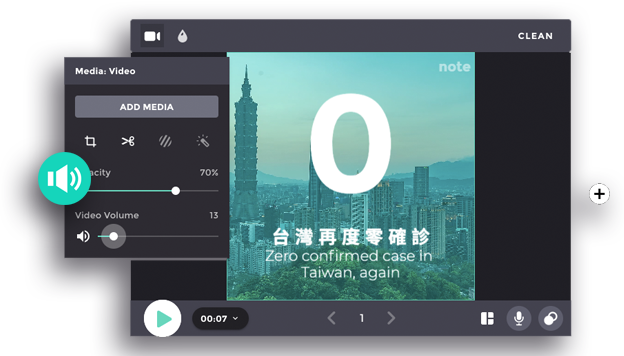
Dubbed your video using your voice! Without importing your voice recording, you can record your voice straight to the clip. Make your video more interesting and personal by adding your voice over.
How to add Voice Over Recorder
How to:
1. Insert the narration note
Prepare the narration note ahead before starting to record the voice over. If you already have the text on the subtitle section before, it will inserted automatically on the ‘Narration Note’.
2. Start the recording
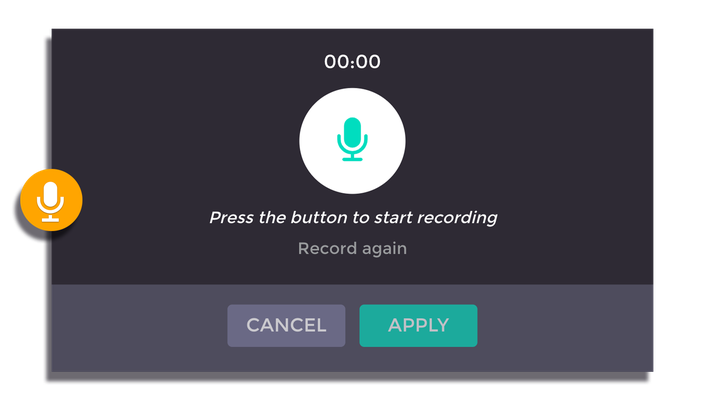
Press the ‘...’ button to start recording. Review your recording by press the same button once again. You can redo your work by click the same button to start the new recording. If you are pleased with the record result, you can proceed to the next clip.
3. Save the changes
Be sure to click “Apply” before moving on to the next to save the adjustment that has been made on the video.