Image to Video
Turn your images into video file that engaging in minutes!
How to Make Image to Video
How to:
1. Create a file
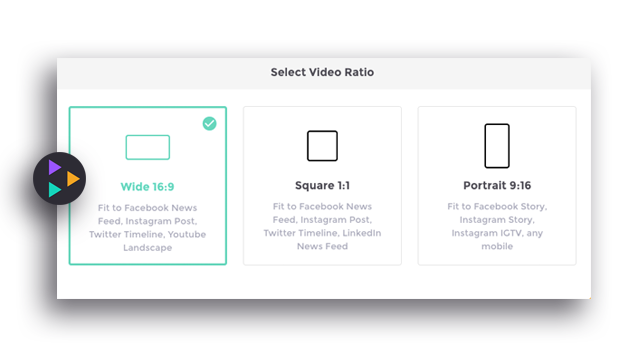
Click +Create Video to start and then click Create From Scratch. Select the dimension/ratio of your video. You can still edit the dimension once you are editing the video.
2. Add the image
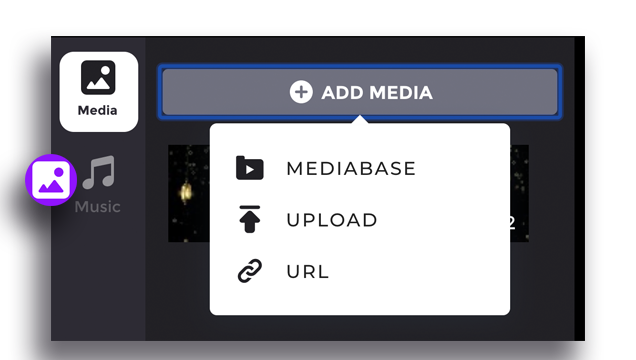
Click +Add Media to add image in your media. You can either upload your own image by clicking Upload or use the images provide by Gliastudio by clicking Media base. Create a new clip and insert more images.
3. Edit and Preview
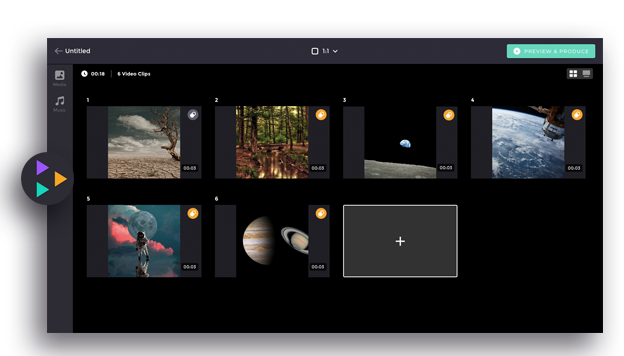
You can also drag the whole clip to arrange the order of the video. Add text, transition effect, and music to enhance your video. Click Preview & Produce to check and download your creation!