Media Library
Countless royalty-free media selection to use!
How to use media library
How to:
1. Add the Media
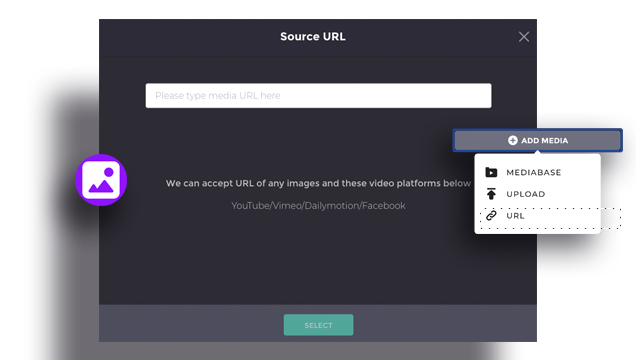
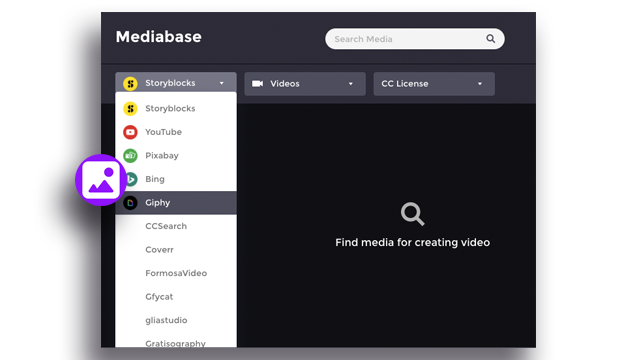
To add media resources, click the “+ADD” then continue select the ‘mediabase’. Gliastudio provides you tons of free media from many resources including Storyblocks, Youtube, Pixabay, Bing, and many more.
2. Select the media
Choose the media that you want to use on your video by tick the box at the upper right corner of the media. And click select after you tick all of the chosen media.
3. Apply the media
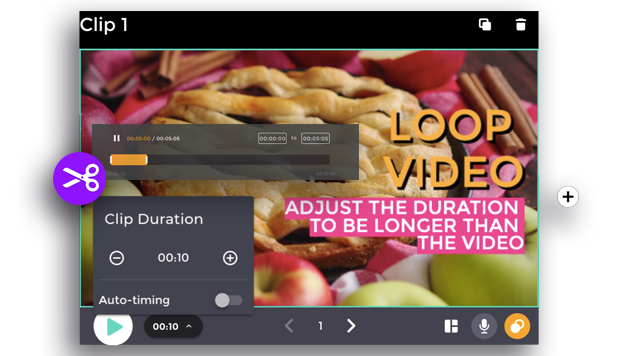
Drag the media from to the clipboard to apply and use the media that you have selected. You can further edit the media by trim, crop, also add transition and filter effect.