Video Layout
Decide where your text will be posited! Make sure to have both of your amazing footage and fruitful information subtitle be presented side by side on your video. We provide various text layout to choose that will perfectly suit your clip nevertheless.
How to add Video Layout
How to:
1. Open layout selection box.
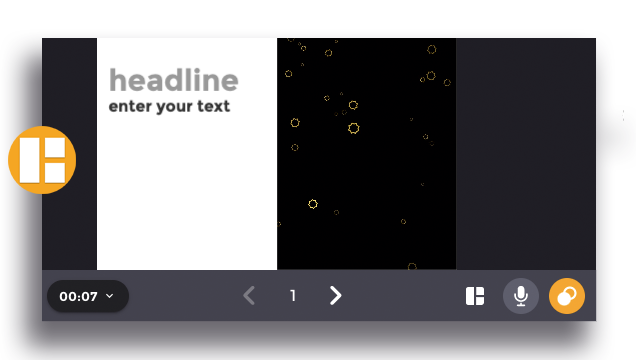
Click the “Layout” icon and press “Change” to open the clip layout selection.
2. Select the layout
Preview the layout before applying by place the cursor on the selected layout. Click the layout that you desired to apply that on your clip.
3. Save the changes
Click “Change” to apply the selected layout before moving on to the other step.